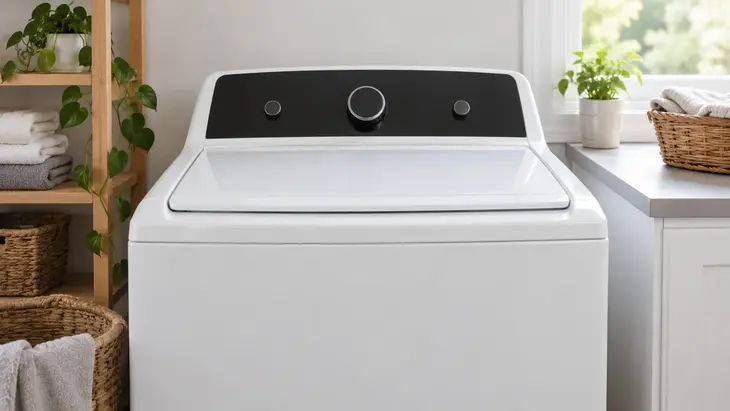
Brastemp alerts in this section are based on the BNF15 front-load platform. Write down the complete groups that alternate on the display, and confirm the model before applying their equivalents.
Code reference and display format
The official BNF15ASANA manual documents displays that alternate groups such as F8 and E1. Both parts make up one query; an isolated F8 does not provide enough information. A top-load Brastemp with indicator lights requires a different table.
Verified code paths
F8 E1 or Lo FL refers to the water supply; F9 E1 refers to draining; F5 E2 refers to the door lock; Sd or SUD refers to excess suds. Keep any zeros in the documented group; do not treat just any F5 or F9 as equivalent.
rL during cleaning
In this family, rL appears when a load is detected in the basket during the cleaning cycle. Wait until it is safe to open, remove the items, and follow the procedure for resuming the maintenance cycle described in the manual. This is an operating condition and does not indicate a motor failure.
For other messages, photograph the sequence and consult the exact manual. The business relationship with Whirlpool or Consul does not authorize importing their code tables; a Brastemp washer-dryer is not covered by this front-load model either.
Frequently Asked Questions
Do two groups that appear alternately make up a single code?
In the BNF15 manual, some alerts are displayed by alternating two groups that must be recorded together. For example, F8 and E1 make up F8 E1; they are not two separate faults.
Can I use a front-load code table for a top-load Brastemp?
No. The design and controls may differ. Identify the top-load model and use its manual, including the light patterns where applicable.
Does an alert during cleaning always require a repair?
No. In the documented family, rL indicates that clothing was detected during cleaning and asks you to remove it according to the procedure. If the alert continues with the basket empty or another code appears, consult the instructions for that specific alert.
If the code has not been confirmed for your model, keep a record of the sequence before looking for a part or a reset combination.