This Hotpoint index covers the documented European platforms. Don’t apply its codes to North American Hotpoint washers without confirmation from the manual.
Digital display and indicator-light layout
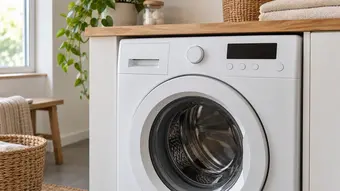
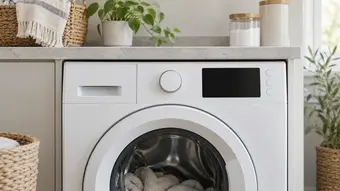
The official Hotpoint catalogue shows reference codes and panels. If the washer uses LEDs, note the specific lights and their pauses; counting flashes without identifying their positions can lead to a different code.
Trapped water, door lock and top-load drum
F05 points to a drainage blockage or pump problem. F06 relates to the door lock and may appear when the door won’t open or close, or the programme won’t start. Although both can leave clothes trapped inside, they require different troubleshooting steps.
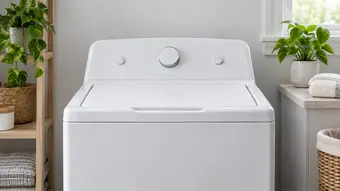
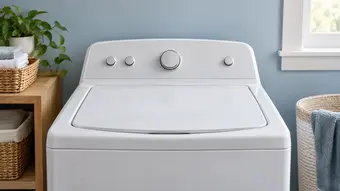
F16 is documented for the drum position in top-load washers. Distinguish the outer lid from the drum flaps before describing which part is preventing access to the clothes.
Other service alerts
F11 relates to the pump circuit in the catalogue; F07/F08 and certain heating alerts require service. F01 or F18 may accompany electronic faults and may have a prescribed reset procedure, but repeating it won’t fix a persistent problem.
Limit checks to those permitted by the model’s manual. Don’t open panels, bypass door locks or try to measure circuits based on a chart. For a washer-dryer, note whether the code appeared during washing or drying.
Frequently Asked Questions
Where can I find the full model number of my Hotpoint washer?
Look for the model and serial number on the identification plate, and check the manual to find its location. Copy the complete model number and note the appliance’s market if you have documentation from another country.
Does the same code mean the same thing on all Hotpoint washers?
No. European and North American Hotpoint washers may use different platforms. Also, F16 in this index applies only to the documented top-load models.
How can I tell a normal alert from a fault?
Identify the panel and compare the sequence with the manual. A persistent fault code requires different troubleshooting from the normal wait for the door to unlock after a cycle ends.
Does clearing the code confirm that the problem is fixed?
No. Clearing the display doesn’t confirm that a filter is clear or that the door lock is working properly. If the symptom continues, arrange an inspection.
What information should I give the service technician?
Provide the model and serial numbers, the code or a photo of the lights, and the washer type. Say whether there’s water inside, whether the door opens, and when the programme stopped progressing.
A similar panel or brand doesn’t prove that it uses the same platform as the source.