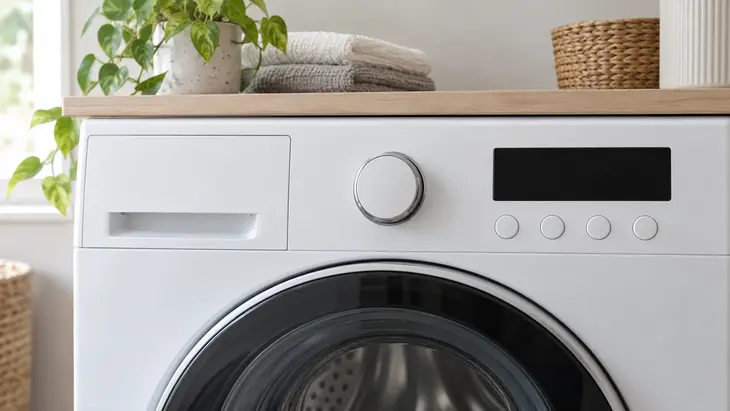
The programme sets the wash sequence; temperature, spin speed and options adjust it within the model’s limits. First choose based on the items the programme accepts and how dirty they are, then consider the time available.
Read the machine’s programme table
For each cycle, check the load type, maximum load and permitted settings. Don’t assume the washing machine’s stated capacity applies to every programme: the same machine may allow different load sizes for cotton, wool and quick wash.
| Load requirements | What to check |
|---|---|
| Everyday clothes | Which fabrics are suitable for Normal, Cotton or Mixed, and what soil level is supported. |
| Delicate items | The gentle action and cycle limits for wool, delicate or hand wash. |
| Heavily soiled items | Whether hard-wearing fabrics are suitable and pre-treatment is needed. |
| Remove detergent or water only | Whether you need a rinse with spin or water extraction only. |
The Samsung cycle documentation distinguishes, for example, Normal, Heavy Duty and Permanent Press, but notes that availability and selection vary by model. Use these names to find the relevant description, not as automatic equivalents.
Settings that affect your choice
The temperature must follow the care label and allow the detergent to work. The spin speed determines how much water is extracted, which the item must be able to tolerate. The soil level doesn’t indicate how much washing you’ve put in.
A quick wash has its own restrictions; an Eco programme may take longer. Adding pre-wash, rinse or deep fill only makes sense if it meets a need for the load and the programme allows that option.
Check before starting
Check the status shown on the control panel: saved options, lock, delay start and selected phase. If you need to change anything after starting, use pause or cancel as described in the manual, without forcing the door.
Frequently Asked Questions
Why aren’t some options available in every programme?
The machine restricts combinations to suit the treatment and operation intended for that cycle. Check its options table; a button that won’t let you make a change doesn’t, by itself, mean there’s a fault.
Do Normal, Cotton and Synthetics always mean the same thing?
No. These names can mean different things between manufacturers and markets. The description of suitable fabrics and the programme limits matter more than the translated name.
Are selected settings retained when the machine is switched off?
It depends on the model and whether a memory or favourite programme is active. Check the control panel when you switch the machine on, and confirm the settings before starting another load.
Before starting, check the combination shown on the control panel: a suitable programme may retain options from a previous load.