
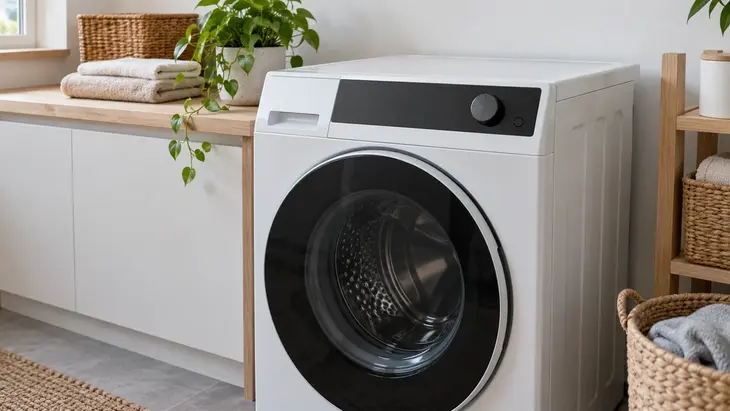
The Hoover alerts in this index are based on the documented Dynamic Next family. E02, E03, and E04 point to different checks involving water and detergent.
From inlet to drain
The manufacturer documentation directs E02 to filling and insufficient supply; E03, to water that cannot drain out. If the appliance fills but leaks water during filling, note that observation to also check the installation.
E04 points to checking for too much detergent. If there is an inlet that does not stop or water overflowing, address that condition before treating the case only as suds.
Short-range states and alerts
H may indicate delayed start on the compatible panel: check the selected function and how to cancel it in the manual. E08 in the Dynamic Next support documentation points to checking for overload; E15 covers a brief disconnection according to the applicable procedure. If the issue persists, consult support instead of repeating button combinations.
Confirm the family before using the table
The Hoover name also appears on dryers and other designs. A dryer E03 can refer to a condensate tank; it is not solved by looking for the pump filter on a washing machine. Also do not apply Candy equivalents because they belong to the same corporate group.
Keep the model from the rating plate and the exact wording, along with the cycle stage. Perform maintenance only through the user-accessible openings provided.
Frequently Asked Questions
Where can I find the full model number of my Hoover washing machine?
Look for the full model and serial reference on the appliance rating plate and in its documentation. Make sure the manual matches that reference and the Dynamic Next family before using this index.
Does the same code mean the same thing on all Hoover washing machines?
No. The brand includes different platforms and appliance types. In particular, a dryer E03 should not be interpreted using a washing machine drain path.
How do I tell a normal alert from a fault?
Check whether the panel shows delayed start, pause, or a documented code. The letter H may be a selected function; the stage of the cycle helps distinguish it from an issue.
Does clearing the code confirm the problem is solved?
No. If filling or draining still fails, the code may return. A reset also does not permit continuing with overflowing water or a leak.
What information should I give to service support?
Provide the model, the code including any leading zeros, the affected function, and when it appears. Also note whether water is missing, being retained, or foaming, and what changed before the problem started.
If your model’s manual does not match, keep the code and request its interpretation from its platform.